

RECYCLEKART
Windows 11 Pro Activation | Instant Delivery | Digital Activation | Lifetime Validity
Windows 11 Pro Activation | Instant Delivery | Digital Activation | Lifetime Validity
Couldn't load pickup availability
Shipping & Delivery
Shipping & Delivery
- Order Processing & Shipping: 24–48 hours.
- Delivery Time: 1–7 business days (depending on location)
Replacement & Warranty
Replacement & Warranty
Every Product Is Backed By 6 Months Warranty, 7 Days Replacement Only.
Contact
Contact
Ph- +91 8796977890
Email- support@recyclekart.in
Windows 11 Pro Activation (Digital Setup)
Upgrade your PC with a genuine Windows 11 Pro activation and unlock advanced features designed for business, productivity, and security.
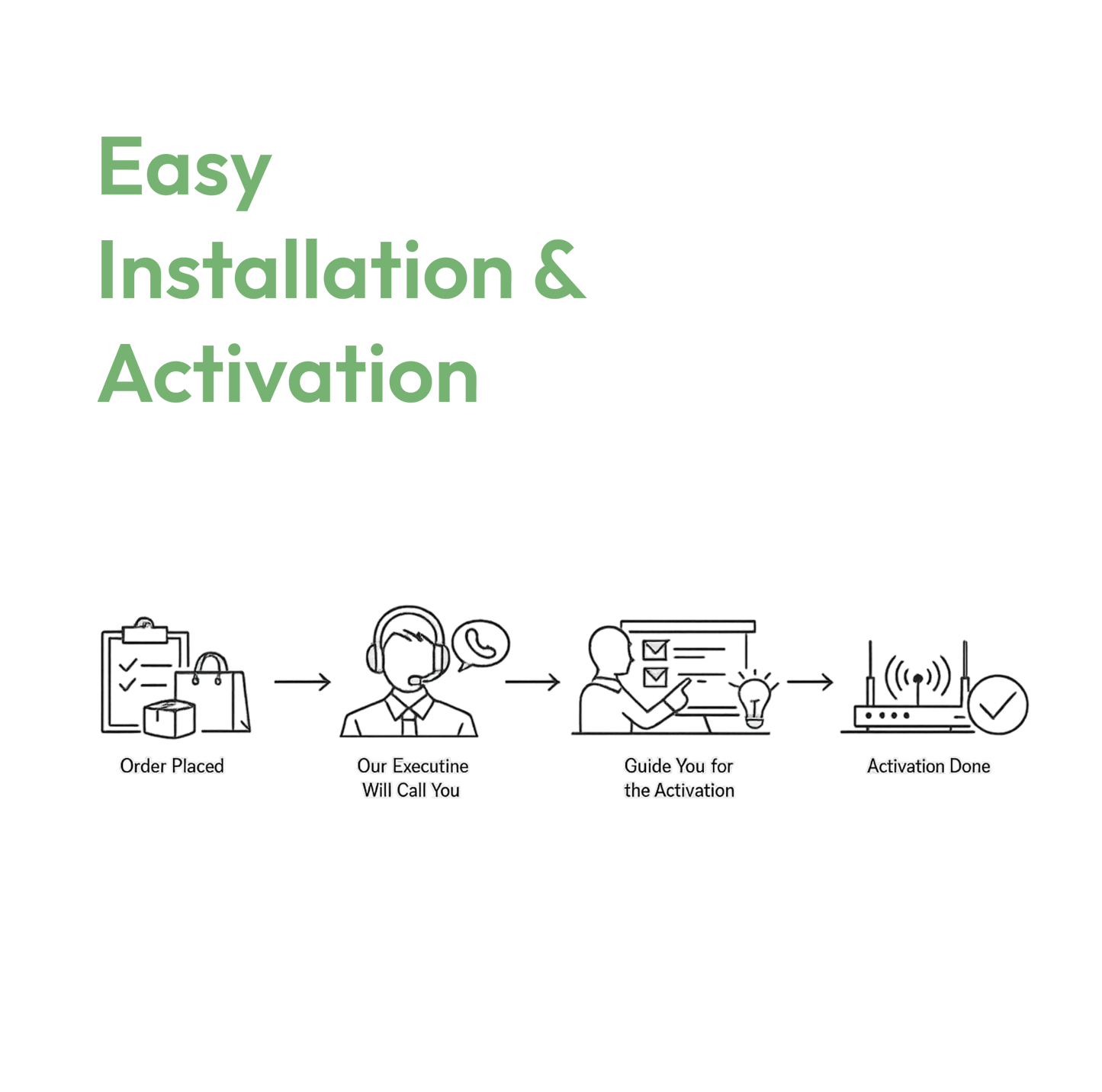
After purchasing, our team will personally contact you and activate your Windows 11 Pro digitally—no technical hassle, no complicated steps. Just sit back and get your system ready to use.
What You Get
- Genuine Windows 11 Pro activation
- Quick digital activation support
- Safe and secure setup by our team
- No physical delivery required
System Requirements
Make sure your system meets the following:
- Processor: 1 GHz or faster with 2 or more cores (64-bit compatible)
- RAM: Minimum 4 GB
- Storage: 64 GB or more
- System Firmware: UEFI with Secure Boot
- TPM: Trusted Platform Module (TPM 2.0) required
- Graphics: DirectX 12 compatible
- Display: 720p or higher
Use Cases
Windows 11 Pro is ideal for:
- Business and office work
- Advanced multitasking & productivity
- Secure data handling with BitLocker
- Remote desktop access
- Professional applications & software
- Students and work-from-home users
How to Install Windows 11 Pro
Step 1:
Download Windows 11 installation media from Microsoft’s official website
Step 2:
Create a bootable USB using the RUFUS or Media Creation Tool
Step 3:
Insert USB into your PC and restart the system
Step 4:
Boot from USB and follow on-screen instructions to install Windows
Step 5:
Skip product key during installation (if asked)
Step 6:
Once installation is complete, our team will contact you and activate your Windows digitally
Note : No physical delivery will be provided. Microsoft Office installation and activation will be completed digitally through AnyDesk or UltraViewer remote support.
Share


Recyclekart Assured 200 Quality Checks